









Clip from
anywhere
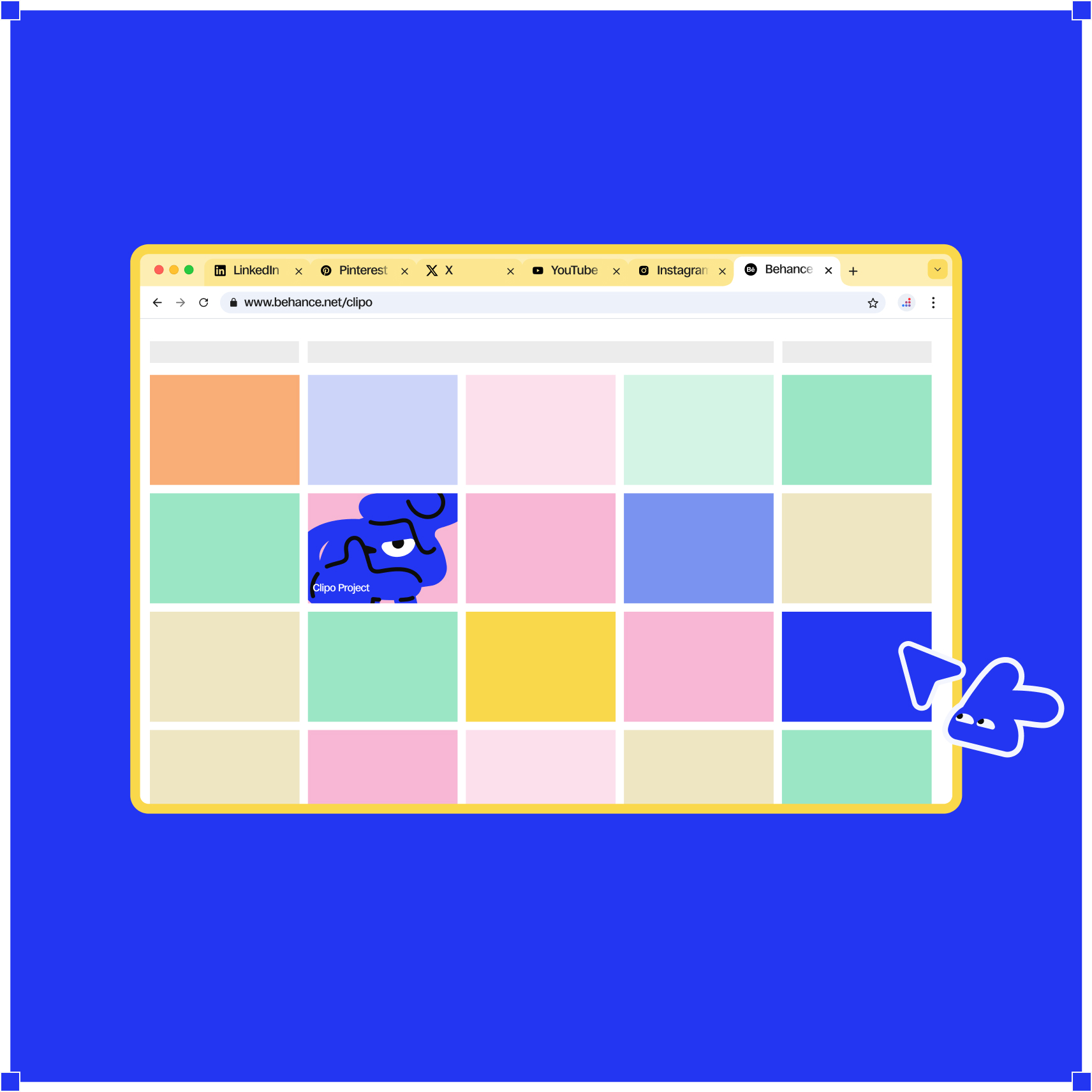
Instagram, Behance, Pinterest, X, YouTube, TikTok, websites, or local files.

©LIP
ANYTHING
ANYWHERE
MAKE IT
@NOBJECT
Everything that catches your eye - from Behance, Pinterest, websites, and more - lands in Clipo, ready to build something new.
Anything worth remembering
 ClipoDownload for MacOs
©lip anything
Anything
Anywhere
Where
M@ke it
An object
➀
→→
Bring any reference
into Clipo
➁
→
Turn it into an object on your canvas
➂
Connect scattered inspiration into new ideas
↕
You
Save it
Then
Lost it
The reference you need most is always the one you can't find again. Clipo turns every reference into an object you can explore, connect, and build from.
Not just collecting
(It's)
Creating
Everything that catches your eye - from Behance, Pinterest, websites, and more - lands in Clipo, ready to build something new.
01/03
[01]
SEE
Anything worth remembering
See something inspiring?
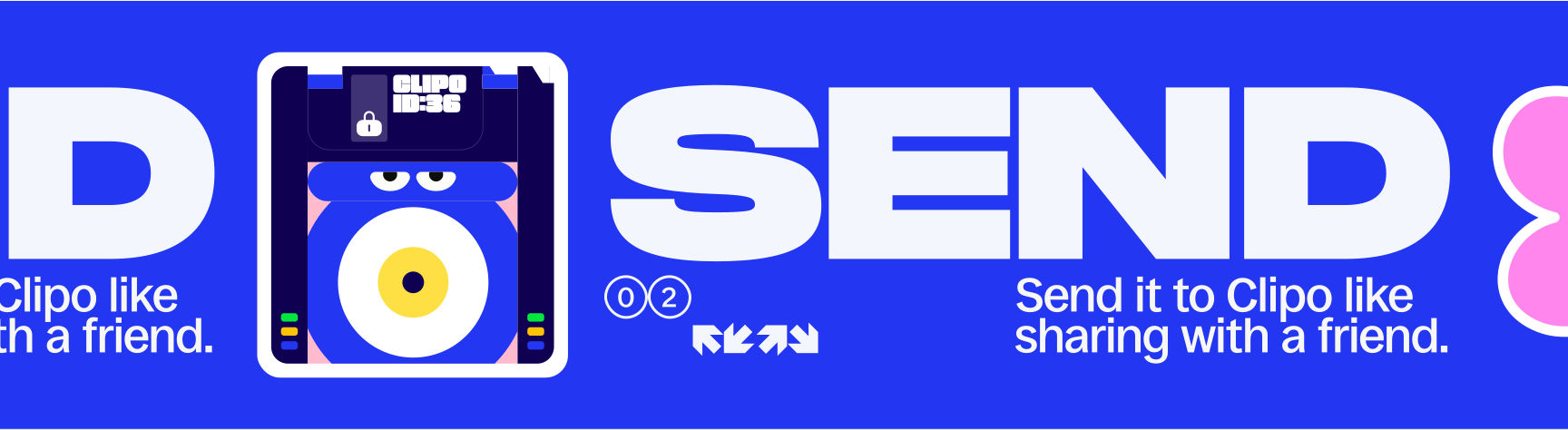
Send it to Clipo from your iPhone and continue on your desktop.
See
Send (↗)
Then →
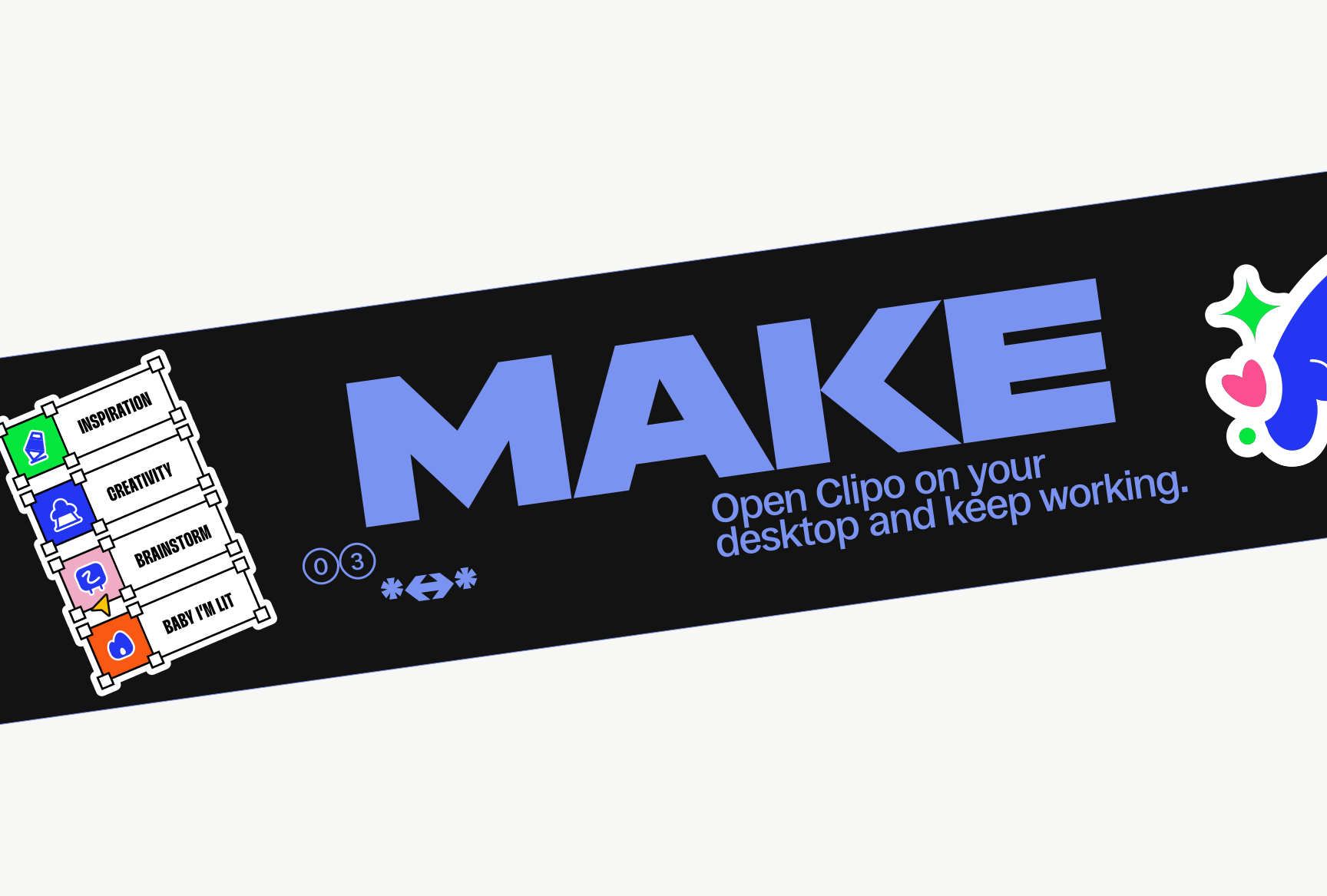
Make
Don’t just keep references.
Work with them.
Instagram, Behance, Pinterest, X, YouTube, TikTok, websites, or local files.
Images, videos, GIFs, websites, and local files all in one view.
Trim, annotate, extract colors, and connect objects on your canvas.
Sync references across Clipo Mobile, Eagle, and your devices.


Images, videos, GIFs, websites, screenshots, and local files.

One lifetime license works on 2 devices and is linked to 1 Gmail account.


Screenshots and bookmarks only save references. Clipo lets you arrange, mark, compare, connect, and work with them on a visual canvas.


Yes. You can copy references to Figma and import your Eagle library into Clipo.
Yes. Clipo keeps the original source link so you can return to it anytime.
Your files are stored locally on your device, with each Canvas organized into its own folder.

Images, videos, GIFs, websites, screenshots, and local files.
One lifetime license works on 2 devices and is linked to 1 Gmail account.
Screenshots and bookmarks only save references. Clipo lets you arrange, mark, compare, connect, and work with them on a visual canvas.
Yes. You can copy references to Figma and import your Eagle library into Clipo.
Yes. Clipo keeps the original source link so you can return to it anytime.
Your files are stored locally on your device, with each Canvas organized into its own folder.

